Updated November 2026. The quick answer: for most professional headshots, a medium gray background is the safest choice: it suits every skin tone and doesn’t compete with your face. Choose white or light gray for tech, healthcare and photos that will be cut out, dark gray, navy or black for law and finance, and a softly blurred office or outdoor scene if you want to look approachable. Whatever you pick, make sure your hair and clothes don’t blend into it.
A headshot captures a person’s face and is commonly used for professional purposes like LinkedIn, company websites, portfolios, and more. The goal of a great headshot is to showcase the subject in a flattering, polished way. While the camera naturally focuses on the person’s face, the backdrop plays a supporting yet critical role.
When planning a headshot photoshoot, consider how the background will complement the individual’s personality, industry, brand, and goals. Most recommend simple, neutral backdrops that don’t distract from the subject. Busy or bold backgrounds compete for attention and can overwhelm the photo.
The best headshot background by industry
Where the photo will be used matters as much as how it looks. These are the usual choices:
| Industry | Background style | Colors that work |
|---|---|---|
| Law, finance, consulting, engineering | Solid studio backdrop, formal | Dark gray, navy, charcoal, black |
| Tech, healthcare, startups | Clean studio or cut-out | White, light gray |
| Real estate, counseling, coaching | Approachable, light or blurred real setting | Light gray, light blue, soft neutrals |
| Creative fields, marketing, media | Textured or environmental | Warm neutrals, muted color, blurred city or studio |
| Actors and models | Simple and natural | Gray, soft neutrals, softly blurred outdoors |
| Company team pages | The same backdrop for everyone | Whatever matches the brand, often light gray or white |
The best background colors for headshots
Gray is the most versatile: medium gray flatters almost everyone and works on LinkedIn, company sites and print. A two-sided collapsible backdrop such as the Kate Collapsible Backdrop in gray (about $100) folds into a bag, so you can set up a studio gray at home or in an office.
White looks clean and modern and is the easiest to cut out later, but avoid it if you have very light or white hair, which can disappear into it. Black, charcoal and navy feel formal and authoritative. Blue reads as calm and trustworthy, and warm neutrals like beige or tan feel friendlier.
The rule that matters most is contrast: dark hair and clothes stand out against a lighter background, and light hair and clothes against a darker one. If you’re wearing gray, don’t stand in front of gray.
Solid Color Backdrop
A single colored backdrop is one of the most common and versatile headshot options. Often bright white or black, the solid color minimizes visual distractions to keep the focus on the individual.
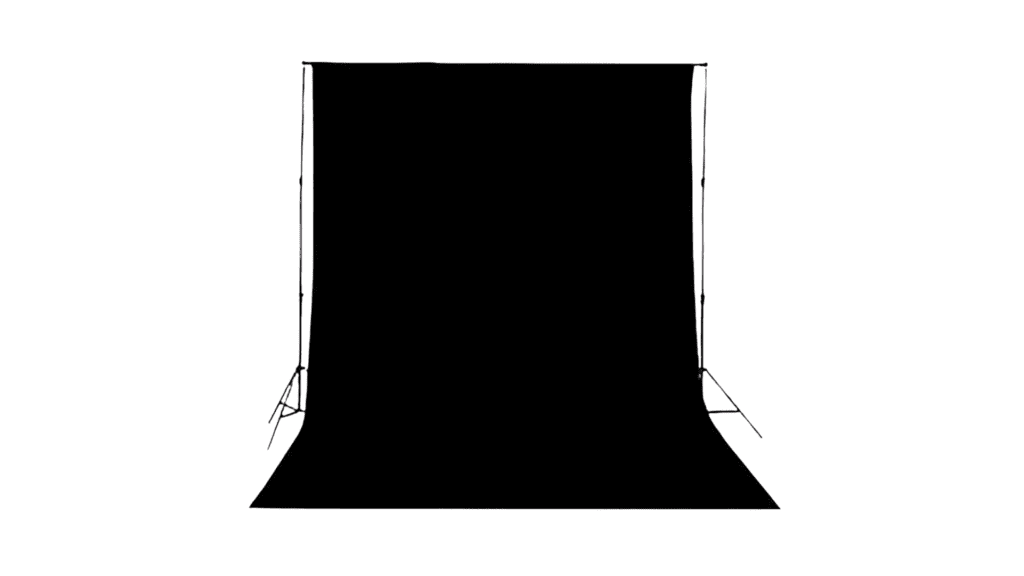
Solid color backgrounds are best for a classic, polished, professional look. The even, consistent tone allows the subject’s facial expressions, personality and body language to take center stage. White and black are ideal for highlighting professionalism and authority. While more bold colors can be used, neutrals like gray and blue are most versatile.
Textured Backdrop
For a more natural, visually interesting headshot, add subtle texture. Textures like weathered wood planks, exposed brick, concrete or fabric weave add depth without being distracting.

Textured backgrounds work well for creative fields where approachability and authenticity are desirable. Rustic wood or brick conveys an organic, down-to-earth vibe. Concrete or cement backdrops give an edgy, urban feel. Natural textures provide an earthy feel. Neutrals work best as bold patterns can overwhelm the subject.
Blurred Background
Selectively blurring the background is a popular technique to make the individual stand out from their surroundings. Blurring minimizes distracting details and draws the viewer’s focus to the subject’s face.

A blurred background creates a dreamy, artistic look. Use a wide aperture and shallow depth of field when shooting to softly blur the backdrop. Neutral, even-toned backgrounds blur best. Busy patterns will still show through. Blurring works for any style of headshot where you want the subject to stand out.
Natural Background
Natural settings like landscapes, greenery and sky make refreshing headshot backgrounds. Outdoor photos encapsulate personality and connection to the environment.

Natural backgrounds work best for individuals who want to convey their authentic self and personal interests through the headshot setting. Gardens, landscapes, and outdoor adventure backdrops give a sense of the subject’s personality within a natural environment. Pay close attention to flattering lighting.
Urban Background
For headshots with an editorial or gritty feel, urban backdrops add visual impact. Cityscapes, graffiti art, pipes and weathered textures provide an energetic, lived-in environment.

Urban backgrounds work well for subjects who want to exude a bold, artistic, trendy or entrepreneurial vibe. The environments convey individuality and creativity. Capture cityscapes or recreate the mood indoors with exposed textures and props. Dramatic lighting amplifies the edgy urban look.
Seamless Paper Backdrop
For studio photography, seamless background paper is the standard: a wide roll hung from a stand and pulled down behind the subject gives a smooth, wrinkle-free surface with no edges, and you can tear off and replace the bottom when it gets marked.
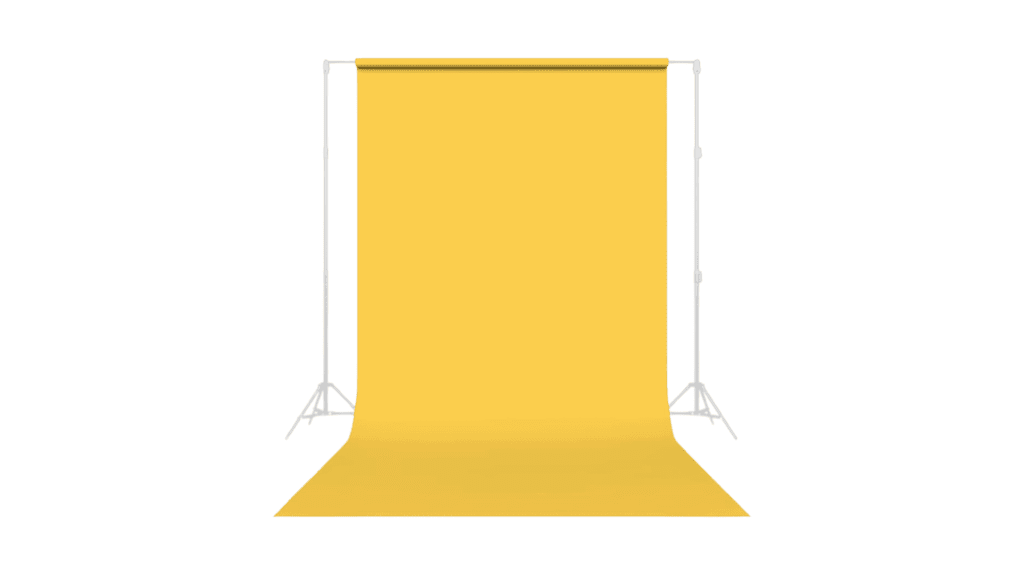
Seamless papers allow for the most control and flexibility in designing a custom headshot backdrop. Any color, pattern or style can be created to match the subject’s outfit, personal brand or industry. It also allows for quick backdrop changes during studio headshot sessions.
Digital Background
Virtual backgrounds take headshots to the next level. With a green screen and software like Photoshop, photographic possibilities are endless for custom digitally projected backgrounds.
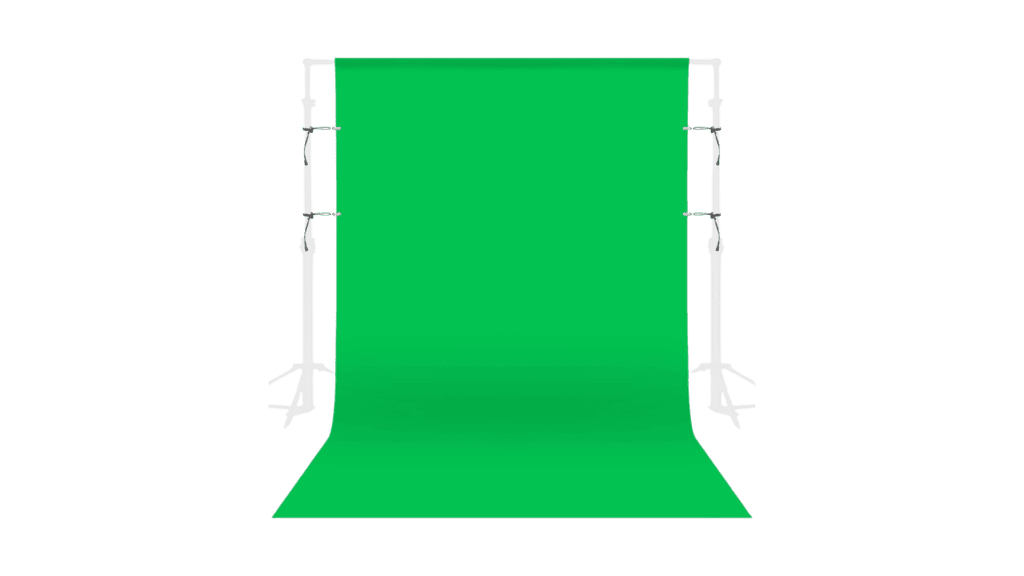
Digital backgrounds work great when extra creativity or brand customization is desired for a headshot backdrop. For corporate headshots, digitally insert a logo or office setting. Or get creative with colors, patterns and locations that may not be feasible to physically access or build. Digital backgrounds require more technical skill to look realistic.
Many headshot photographers now also deliver a cut-out version of each photo (a PNG with a transparent background), so a company can drop in its own brand color later. A plain white or light gray backdrop makes that cut-out much cleaner. Real background blur from a wide aperture still looks more natural than blur added in software.
The Perfect Headshot Showcases the Subject
While often overlooked, the right background brings out the best in your headshot. Keep the backdrop simple, neutral and free of distractions. Add visual interest through subtle textures. Go bold with strong graphics or solid colors. Choose natural or urban settings to convey personality and creativity. Whatever you select, ensure it works cohesively to showcase the subject in the very best light.
Matching Backdrops to Subjects
When selecting a headshot backdrop, consider how the background reflects the subject’s personal brand, profession and personality.
For corporate or professional looks, simple solid or subtly textured backgrounds project confidence. Black and grey backgrounds convey authority. Blue backdrops give a trustworthy vibe. Wood or brick textures add organic personality.
Creative fields allow more unique options. Urban brick or a nature scene relay an artistic edge. Painted canvas backdrops provide bold visuals. Blurred cityscapes impart a dreamy quality.
Don’t overwhelm personal style with overly complicated backgrounds. Complementary colors and textures enhance the subject. Neutrals like black, white and grey photograph well on all skin tones.
Achieving Seamless Backgrounds
Ideally, headshot backgrounds should appear seamless, without edges, corners or horizons breaking up the composition.
In studio, use continuous rolls of seamless paper to create unbroken backdrops. Position the subject away from corners of solid wall backgrounds.
Outdoors, fill the frame with nature scenes like greenery or sky so edges aren’t visible. At city settings, move and zoom to hide nearby buildings or walls.
In post-processing, cloning tools can extend backgrounds or remove distracting edges. Subtle vignettes darken the edges, drawing eyes away from the corners.
Lighting Backdrops Effectively
Proper lighting separates the subject from the background. Use backlights, hair lights and reflectors to illuminate the individual. Let the backdrop fall softly into shadow.
If the background is too bright, the subject will be silhouetted. Meter exposures for the person’s face, not the backdrop, for ideal skin tone rendering.
Watch for backgrounds casting colored light onto the subject. Separate background and key lighting to control contrasts. White backgrounds may appear blue or green if uncorrected.
Working With Natural Light
Natural light creates beautiful headshots, but also comes with challenges.
Outdoors, seek open shade under a building or tree for diffuse lighting. This avoids harsh shadows and squinting.
Early morning or late afternoon offer ideal natural light. The low sun casts a flattering warm glow. Midday light is often too direct.
On bright days, use a reflector to bounce light onto the shaded side of the subject’s face. This fills in shadows for a naturally even look.
Getting Sharp Focus
Shallow depth of field beautifully blurs the background and makes the subject pop. But it requires carefully focusing precisely on the eyes.
In brighter conditions, stop down the aperture a bit to widen the sharp focus zone. This makes focusing more forgiving.
Position the subject at least 6 feet from the background for adequate blurring. Zoom in on the top half of the body to further diminish the backdrop.
If your camera has eye-detection autofocus, use it: it finds the nearest eye and stays on it as the subject moves, which is more reliable than focusing by hand. For more on light, see our guide to lighting headshots.
Editing Backdrops in Post Processing
Post-production apps like Photoshop offer powerful editing options for headshot backgrounds.
The blur tool softly obscures busy or distracting backgrounds. This pulls focus to the individual.
With the clone stamp, extend a solid backdrop to remove edges or unwanted elements.
Layering replaces the entire background with a digital image or adds graphics. Use layer masks to seamlessly merge images.
Cropping and vignetting darkens the photo edges, drawing attention away from the corners.
Conclusion
A thoughtfully chosen headshot background complements the subject and brings their personality and brand to light. Seek backdrops that are simple but reflect the individual’s unique essence. With smart lighting techniques and post-processing, the options for great headshot backgrounds are vast. Use this guide to make backdrop decisions that enhance your next professional portraits.
Frequently asked questions
When choosing a headshot background, it’s important to consider the overall professional look, the level of distraction it may cause, and how well it complements the subject’s features and clothing.
The background for a professional headshot can significantly impact the overall impression and perception of the individual. A well-chosen background can enhance the subject’s features and convey a sense of professionalism and credibility.
Popular background options for professional headshots include neutral colors, classic studio backgrounds, solid backdrops, and the timeless white background, which are widely favored for their versatility and ability to draw attention to the subject.
The appropriate background can enhance the contrast and focus on the subject, ensuring that the individual is the main focal point. It can also create a professional and cohesive look, contributing to a high-quality headshot photograph.
Medium gray is the safest choice for most people. White and light gray suit tech and healthcare and are easiest to cut out; dark gray, navy and black feel more formal. Pick a shade that contrasts with your hair and clothes.
A plain light or medium gray, or a softly blurred office, works best. LinkedIn shows your photo small and in a circle, so keep the background simple and make sure your face fills most of the frame.
Photoshop can be used to remove or alter the background in a headshot, allowing for customization and refinement. It enables individuals to experiment with various background options and create a polished, professional look for their headshots.
Clean neutral studio backgrounds are still the standard. Softly blurred real offices and outdoor settings are popular for a more approachable look, and many photographers now also deliver a cut-out version so companies can add their own brand background.
Use a plain, matte wall in a light or medium neutral color, or hang a collapsible or fabric backdrop. Stand a few feet in front of it so it falls slightly out of focus and your shadow doesn’t land on it, and face a window for soft light.
Mostly seamless paper rolls on a stand, collapsible fabric backdrops that fold into a bag, and hand-painted canvas backdrops for a textured look. On location, they often use a real office or outdoor setting and blur it with a wide aperture.
As an Amazon Associate, Artistic Hive earns from qualifying purchases.