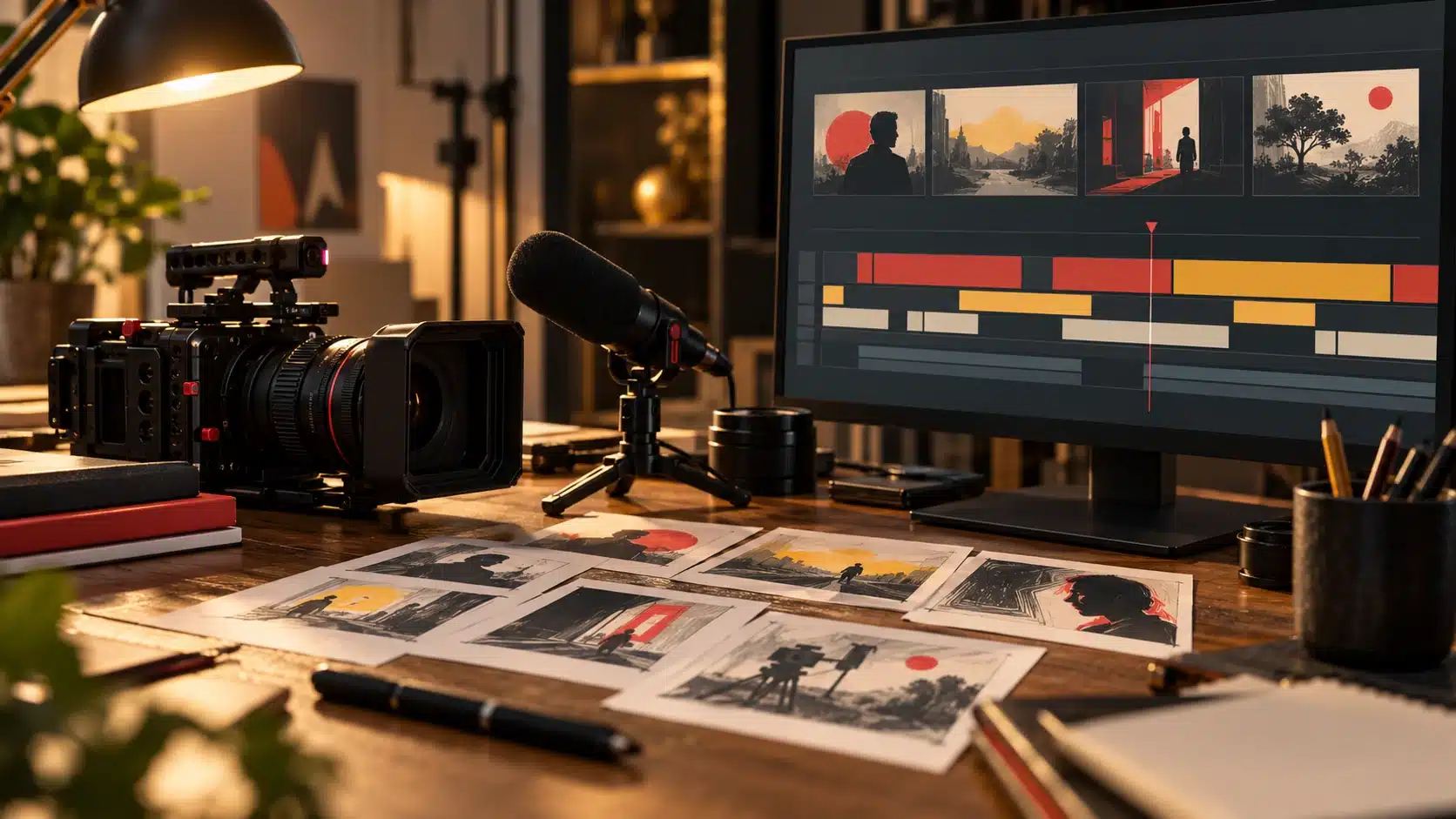
YouTube marketing starts with a useful video for a defined viewer, then a truthful title and thumbnail that help that viewer find it. For a filmmaker, a focused lighting breakdown or editing demonstration can make a clearer promise than a channel that covers every creative topic at once.

Build a repeatable channel series
Choose an audience, a problem and an outcome. For example, a fictional series for solo interview filmmakers could cover a quiet location, one-light setup, microphone placement and an edit that removes repetition. Each episode should solve its own problem while linking naturally to the next.
Keep genuine setup footage, working files and rights records when producing it. Do not present stock footage as the result of your own equipment test.
Package and deliver the same promise
- Write the viewer’s question and the concrete result before filming.
- Capture the demonstration, result and any important limitations. Use readable comparisons and intelligible audio.
- Choose a title that states the subject and outcome. Use a thumbnail that accurately represents the video, not an unrelated reaction image.
- Put relevant context, source links and a useful next video in the description. Add chapters only when they match the actual sections.
- Inspect the published video and captions on a phone as well as a larger screen. Check links and any download promised in the video.
Read discovery and retention together
| Question | Useful evidence | Interpretation limit |
|---|---|---|
| Did the packaging earn views? | Impressions and impressions click-through rate. | Not every view comes from a counted YouTube impression. |
| Did viewers receive the promised value? | The retention curve and average view duration for the actual video. | A dip suggests a place to inspect, not proof of why viewers left. |
| Who found it? | Traffic sources, search terms and audience information where available. | A new distribution surface can change CTR without a worse thumbnail. |
| Did it support the business? | Relevant visits, inquiries or purchases recorded separately. | Views and subscriber growth are not revenue. |
YouTube’s CTR guidance warns that audience and traffic-source differences affect comparisons. Content analytics documentation explains retention and other video reports. Compare similar formats over stated windows and keep the underlying counts; do not adopt a universal “good CTR” target.
Choose whether the channel serves clients, learners or a film
These audiences can overlap, but they arrive with different questions. A prospective client wants to understand your work and whether you can solve their production problem. A learner wants a technique they can use. A film audience wants a reason to care about the story and a clear way to watch it. Choose the main audience for each video before writing the title.
| Video idea | Promise | Useful next step |
|---|---|---|
| A permitted production case study | Explain how a specific brief shaped the finished result. | A related portfolio page or accurate service inquiry route. |
| A technique demonstration | Show one repeatable lighting, sound or editing decision. | A deeper tutorial or the referenced resource. |
| A short film or trailer | Deliver the story or the preview described. | The film’s actual viewing destination and current release information. |
Do not turn a learning video into a sales pitch before answering its question. Likewise, do not hide the viewing destination beneath a long equipment list. A short excerpt can introduce a longer work, but it still needs a beginning and an intelligible point of its own.
A practical outline for a filmmaking tutorial
For the proposed solo-interview series, one episode could answer “How do I keep the speaker’s eyes sharp while recording alone?” Show the intended result, explain the setup and its limits, demonstrate the check, then show the result at a useful size. If you have not recorded the experiment, present it as a plan until you have the footage. Avoid a before/after that changes lighting, lens, processing and focus mode without telling the viewer.
- Write the promised result and the viewer’s starting equipment.
- List the evidence needed on screen: a setup view, the relevant controls and a close inspection of the result.
- Record clean speech and any separate demonstration audio. Leave time to check files before dismantling the setup.
- Edit the opening so viewers can recognize the problem quickly. Remove repeated explanations while retaining the steps needed to reproduce the method.
- Check captions, credits, permissions and the export. Review the actual published presentation and links.
Read analytics in the context of the video
Suppose a fictional video receives many impressions but relatively few clicks. Inspect the title, thumbnail and traffic source before rewriting the lesson. If viewers click but leave before the demonstration, compare the opening with the promise. Neither observation proves a single cause, and small samples can be misleading.
YouTube’s CTR documentation explains why impressions and clicks need context. Compare similar videos and reporting periods instead of using one universal threshold. A long video and a short clip should not be judged solely by the same raw watch-time total.
Measure business results separately from platform income
If the channel supports client work, record relevant inquiries and the videos prospects mention, while respecting privacy. If it supports a film, track the intended viewing action where measurement is available. Advertising eligibility, audience attention and a paying client are distinct outcomes. Keep production hours and costs with the results so a successful-looking channel does not hide an unsustainable workload.
For a film with festival, distributor or licensing commitments, check the actual agreements before publishing the full work. A channel strategy cannot determine your release rights. Keep the existing Partner Program thresholds below as a separate eligibility check, not an earnings forecast.
Understand monetization thresholds
As checked on October 30, 2026, the standard YouTube Partner Program eligibility page lists 1,000 subscribers plus either 4,000 valid public watch hours in the preceding 12 months or 10 million valid public Shorts views in 90 days. Watch time from the Shorts Feed does not count toward the 4,000-hour route. Meeting a threshold does not remove policy, account and review requirements.

In eligible countries, the expanded program offers earlier access to selected fan-funding and Shopping features at 500 subscribers, three valid public uploads in 90 days, and either 3,000 valid public watch hours in 12 months or three million valid public Shorts views in 90 days. This is not the same as full advertising-revenue eligibility. Check the current terms and your Studio eligibility page before planning income.
A practical review cycle
Record the episode, hypothesis, production time and primary outcome. Inspect the actual retention sections and comments before deciding what to change. If you replace packaging, record the date and avoid claiming a controlled A/B result from a simple before/after period.
Use Reels for a separate short-form workflow, a sizzle reel for a portfolio or pitch, and video-quality checks for technical problems. Their intent differs; combining them into one page would make the viewer’s task harder.