For night street photography, first decide what must stay sharp. A moving pedestrian needs a different shutter speed from a still storefront on a tripod. Set that constraint before trying to lower ISO, then adjust aperture and sensitivity for the available light.
Choose settings by scene
| Scene | Starting experiment | What matters most |
|---|---|---|
| Walking person | Try 1/125–1/250 second; open aperture as needed; Auto ISO with a considered limit | Inspect hands, feet and face for motion; faster movement or a longer lens may need a faster shutter |
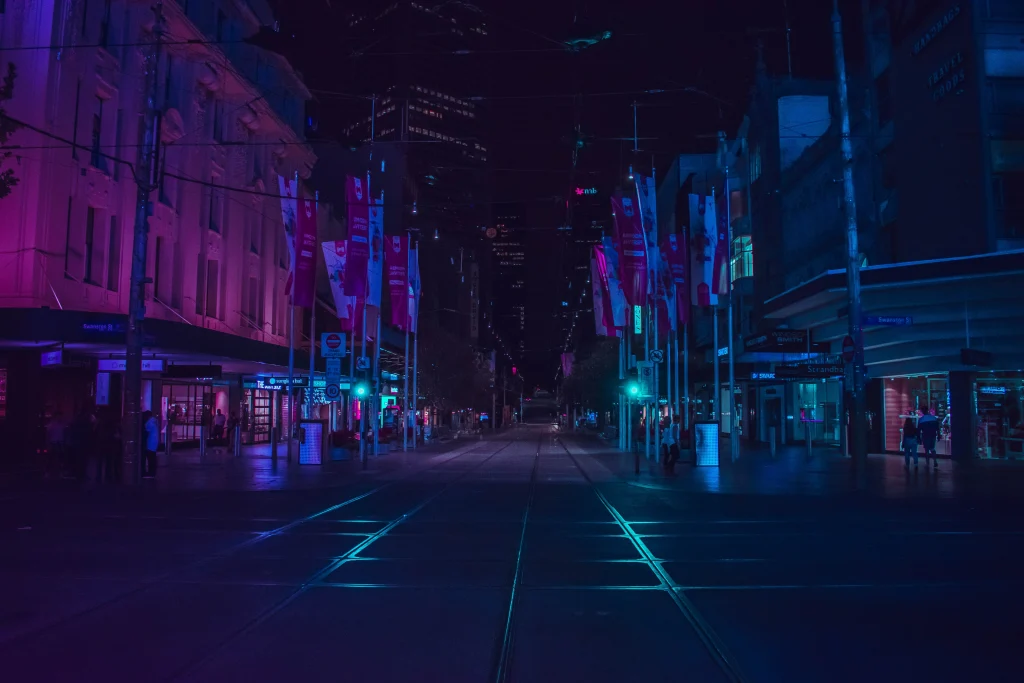
| Static street or building | Use stable support and a longer exposure where permitted | People may blur even when the architecture is sharp |
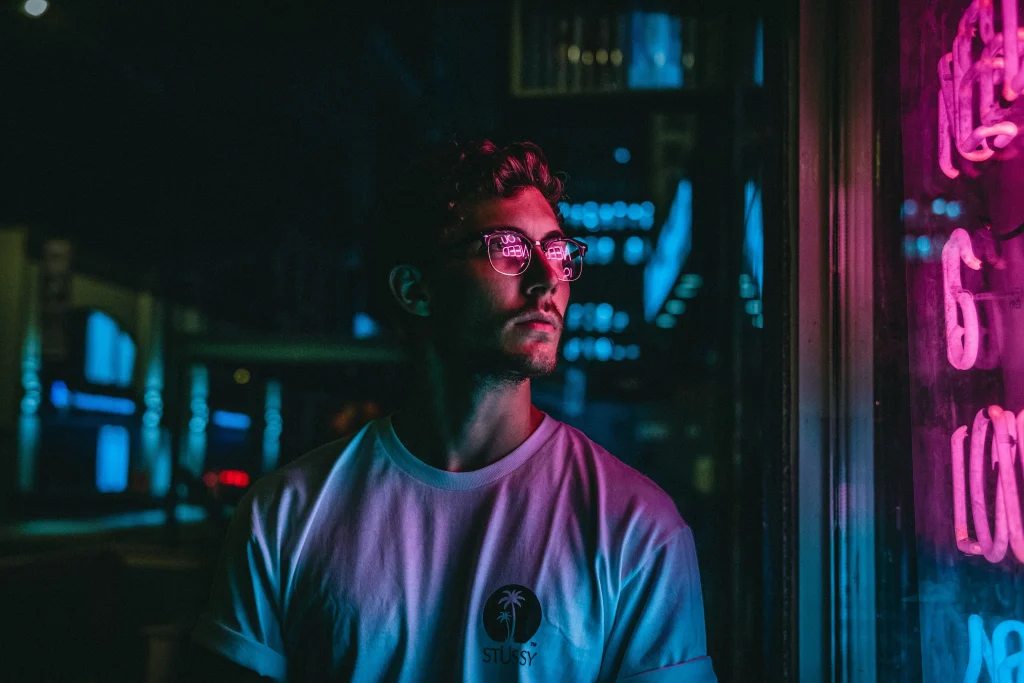
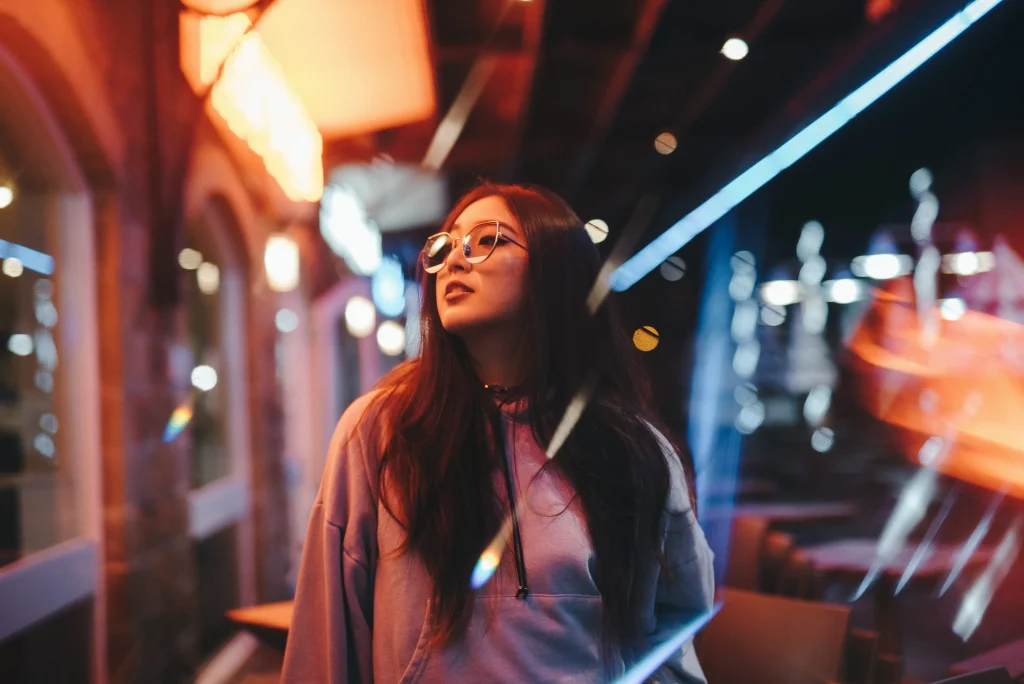
| Neon sign with a person | Expose to retain important sign color, then assess the face | A large brightness range may require a different position or separate lighting |
| Deliberate motion blur | Try 1/15–½ second and vary movement | Choose which stationary or tracked element anchors the image |
These are starting points to test, not fixed settings. A camera’s stabilization reduces camera movement; it does not freeze a walking subject. A higher ISO can be preferable to unintentional motion blur when a sharp face matters.
Find light before chasing subjects
Look for a lit doorway, shop window, reflected sign or pool of streetlight. Frame the background first and wait for a suitable moment. Moving closer to usable light can improve a photograph more than buying another lens. Avoid blocking entrances, following someone persistently or treating a person’s discomfort as an obstacle to the shot.
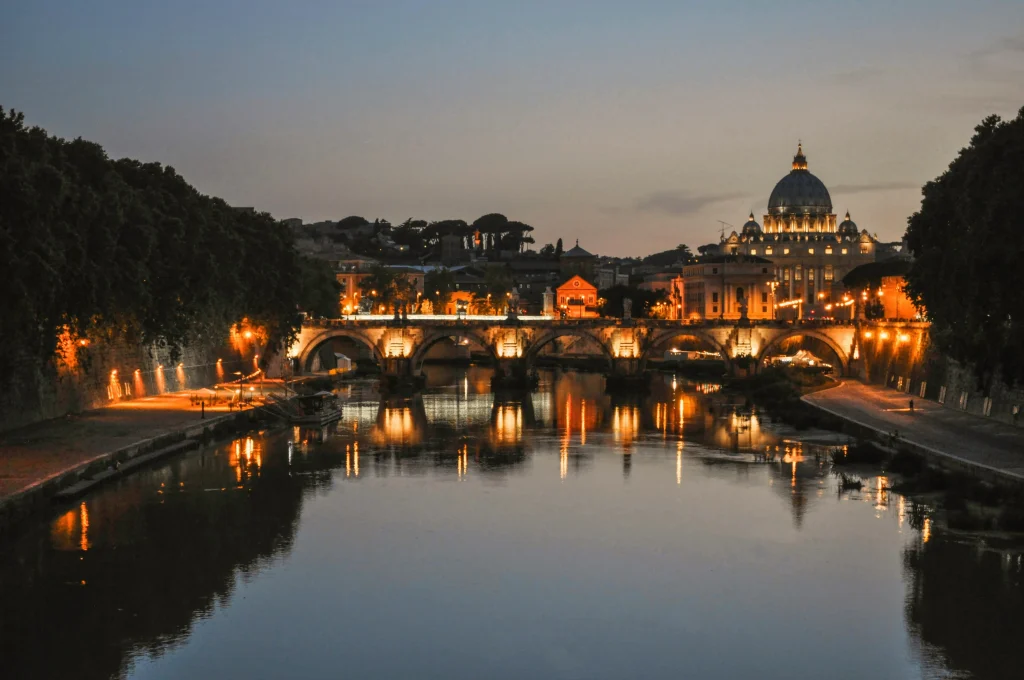
At dusk, the sky may still balance bright shop fronts. Later, deeper shadows can simplify a frame but make faces harder to expose. Check the environment and route home before becoming absorbed in the viewfinder.
Focus for the actual distance
Use a focus mode that suits the subject: a fixed point for a stable scene or continuous focusing for movement when the camera can track reliably. If detection jumps to a bright sign, select the intended focus area yourself. Magnify a test frame; a sharp sign beside a soft person can indicate a focus error, not just insufficient shutter speed.
Wide apertures admit more light but reduce depth of field. If two people are at different distances, stopping down may be worth the higher ISO. Pre-focusing at a known distance can work for a predictable composition, but its useful depth depends on focal length, aperture and viewing size.
Protect color without losing the subject
Bright LEDs and neon can clip individual color channels before the overall scene looks overexposed. Inspect the histogram and important highlights. Reduce exposure when needed, then decide whether the shadowed subject still has usable detail. Do not promise that RAW editing can recover a clipped sign or an extremely underexposed face.
Mixed light rarely becomes uniform through one white-balance adjustment. Choose an overall interpretation and make selective corrections where needed. Keep enough of the scene’s color to explain its atmosphere.
Build one night photograph from a fixed position
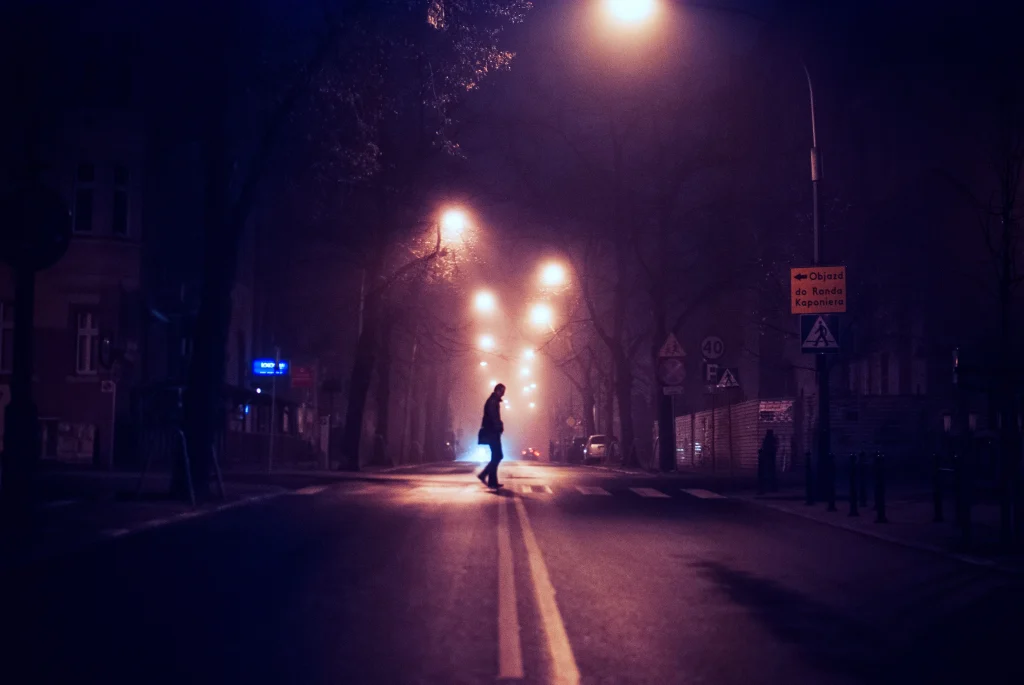
Choose a safe place where a useful light meets a clear background. Spend a moment watching the scene without taking pictures. Notice where a face becomes visible, where a bright sign clips and how quickly people cross the composition. Then make one reference frame without a person to establish the background.
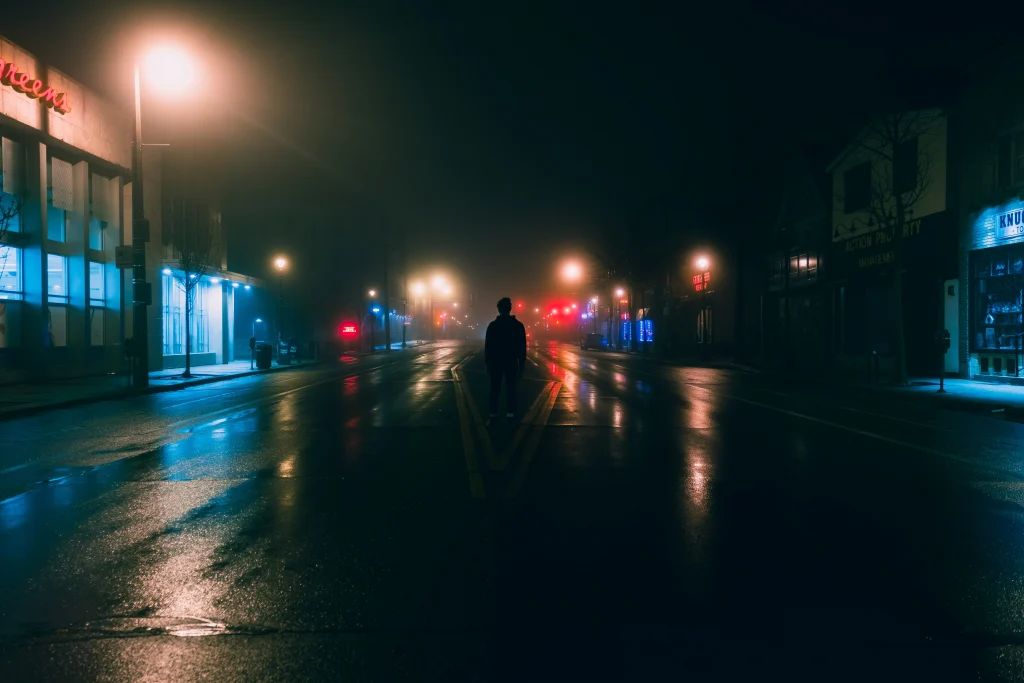
- Set the motion constraint. Pick a shutter for a sharp person or for deliberate blur. Test at the actual distance rather than relying on a universal street setting.
- Set the depth. Choose an aperture that keeps the intended person or group sufficiently sharp. Recheck the selected shutter if using aperture priority.
- Set a workable brightness. Adjust ISO or allow Auto ISO within limits you have assessed on your camera. Check that the automatic exposure is not reacting mostly to a small bright sign.
- Choose the focus area. Place it where the person will be, or use a continuous mode that tracks the intended subject reliably. Inspect a frame before assuming detection worked.
- Wait for separation. Look for a readable gesture or gap between people and background objects. More frames do not repair a composition in which the important shapes always overlap.
- Review the result. Check the face, a stationary edge and the brightest light separately, then change the setting responsible for the problem.
Work with rain, reflections and mixed light
A wet pavement can extend a sign’s color through the foreground. Change camera height to decide how much reflection enters the frame, while staying on an accessible surface. A reflection is not automatically an improvement: a bright band can pull attention away from the person or divide the image awkwardly.
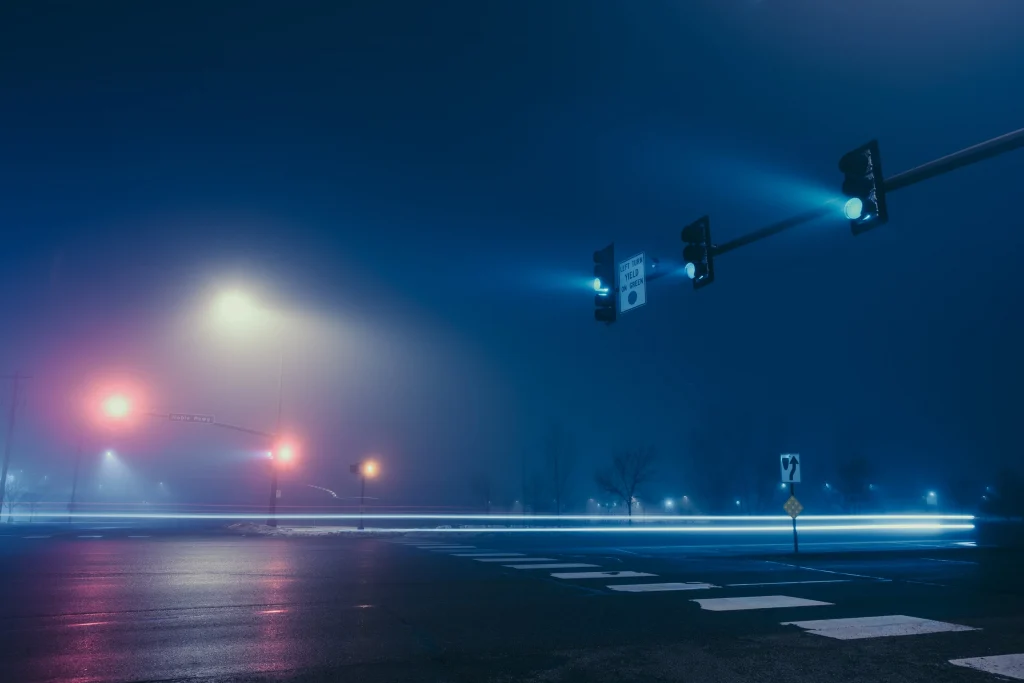
Check for water on the front element if lights develop halos or contrast falls unexpectedly. Protect equipment within its actual moisture rating and avoid changing lenses in rain. A camera’s weather sealing is not a blanket assurance against water damage.
For mixed color, decide which light explains the scene. If a face is illuminated by a green sign beside a warm doorway, a global white-balance correction may improve one area and worsen the other. Moving a step can change the dominant light more effectively than trying to neutralize every color in editing.
Diagnose bands, blur and noise separately
Horizontal bands or alternating brightness: inspect the artificial light and shutter configuration. Sony’s flicker explanation shows why changing light output can be recorded unevenly. A supported mechanical-shutter or anti-flicker mode may help, but behavior varies by model, light frequency and shutter time. Check recorded files; a clean live preview is not conclusive.
A sharp background with a blurred person: prioritize a shorter shutter or wait for a pause in movement. Stabilization does not solve that subject motion. Everything is smeared: inspect camera movement and focus before blaming ISO. Grainy but otherwise sharp detail: judge the photograph at delivery size and compare moderate noise reduction with the original. Strong smoothing can remove the expression or fabric texture you wanted to preserve.
Choose a small kit for the pictures you intend to make
A wider lens includes more context and often brings you closer to people; a longer one isolates details from farther away and demands more careful control of framing and movement. A fast prime provides an aperture option, but using it wide open may leave too little depth. A familiar zoom can be more useful than an unfamiliar lens bought solely for its maximum aperture.
Before leaving, set controls you can find without looking, check battery and storage, and choose a route you understand. Carrying less can make the session easier to manage, but the right kit is the one that supports the agreed access, weather and image purpose.
Run a noise-versus-motion comparison
Photograph the same moving subject at a faster shutter/higher ISO and a slower shutter/lower ISO, keeping brightness broadly comparable. Record aperture and focus method. Compare the face and movement first, then background noise at the intended display size.
Separate street work from traffic trails
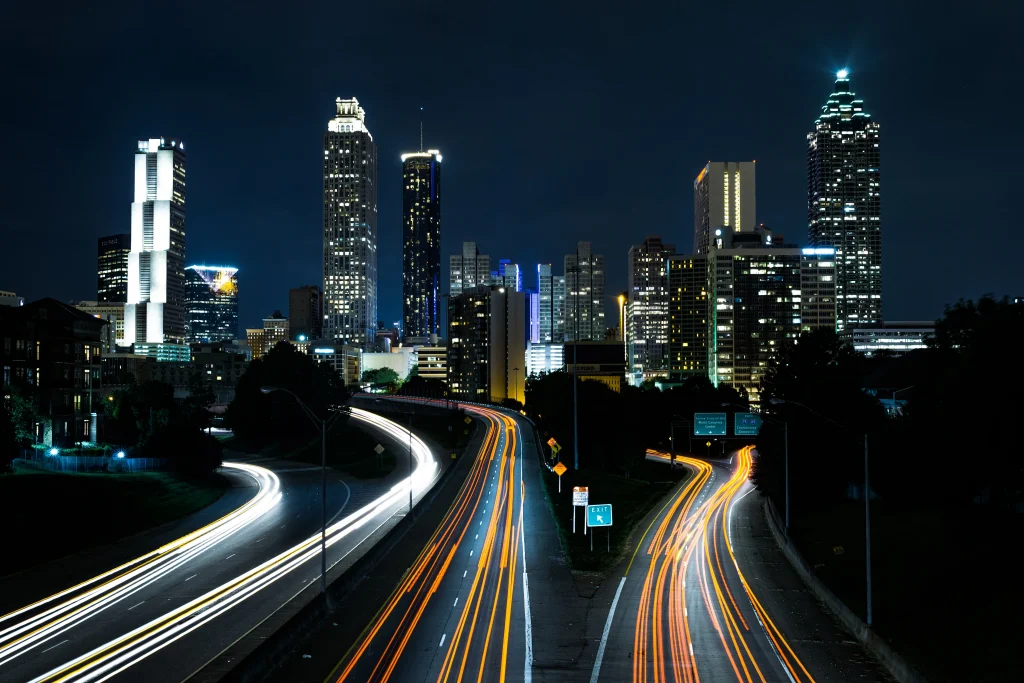
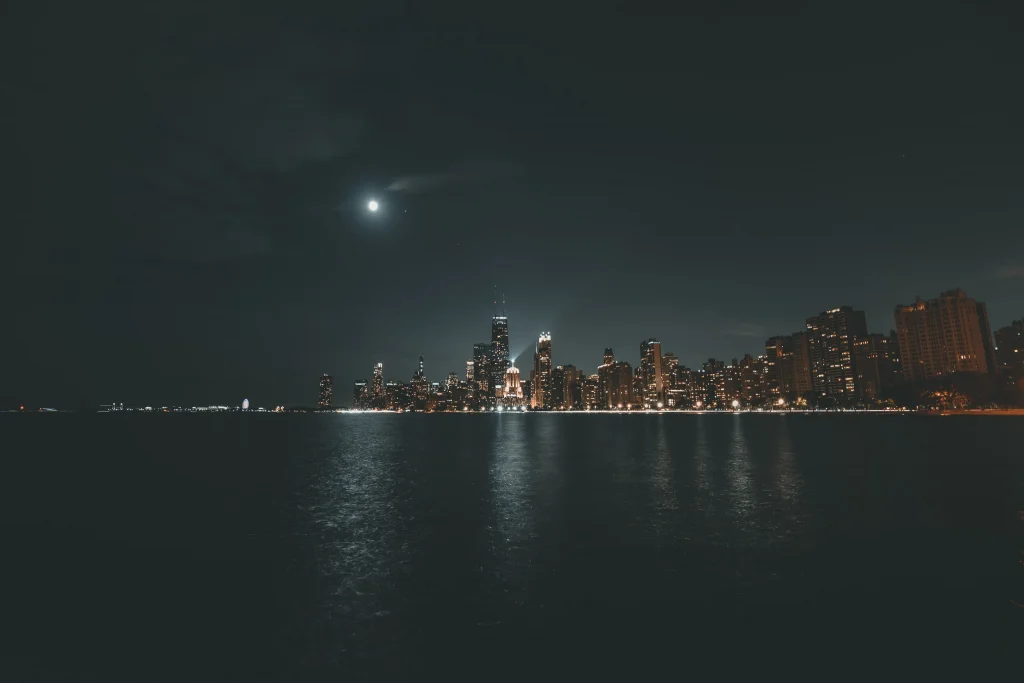
A multi-second tripod exposure is useful for light trails, but it often turns pedestrians into streaks or faint shapes. For deliberate camera blur, follow the ICM exercises. For an unobscured bright Moon in the frame, use the separate Moon exposure guide.
Keep a small kit you can operate confidently. Choose focal length for working distance and framing. If photographing a performance, check the venue’s camera and access rules in the concert-camera guide; ordinary street access does not establish permission inside a venue.
Edit for the intended output
Correct distracting color casts, adjust local tone and apply noise reduction in moderation. Check whether smoothing removes skin or fabric detail. Export and inspect at the size viewers will actually see.
Related next steps
For one specific city route with official access sources, use the Brooklyn waterfront guide.