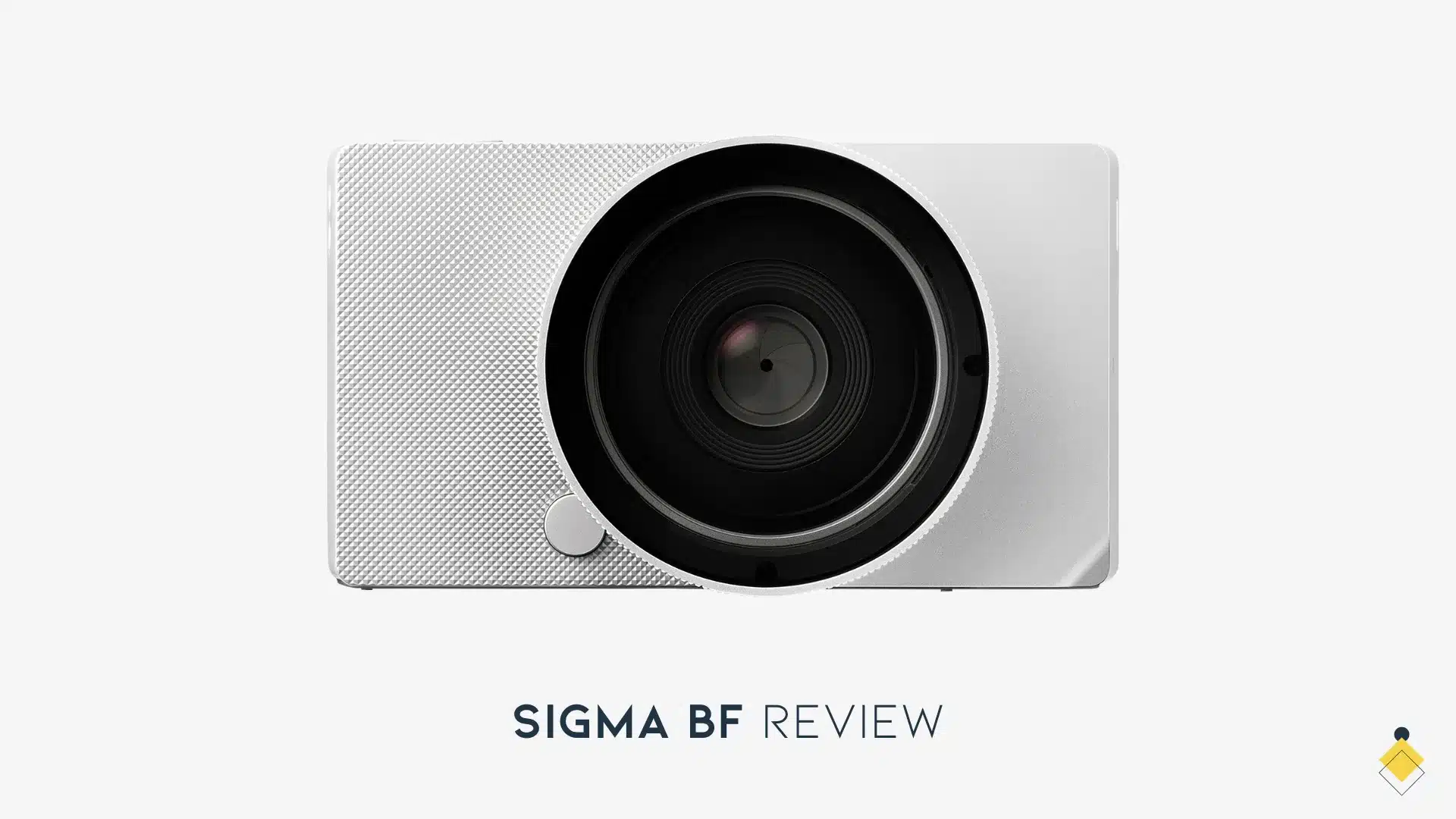
The Sigma BF is a full-frame L-mount camera built around a simplified control layout and internal storage. Its unusual workflow is the main buying question: decide whether a rear-screen camera with USB-based offloading suits the photographs you make.
The specification that changes the workflow
| Item | Manufacturer documentation | Practical implication |
|---|---|---|
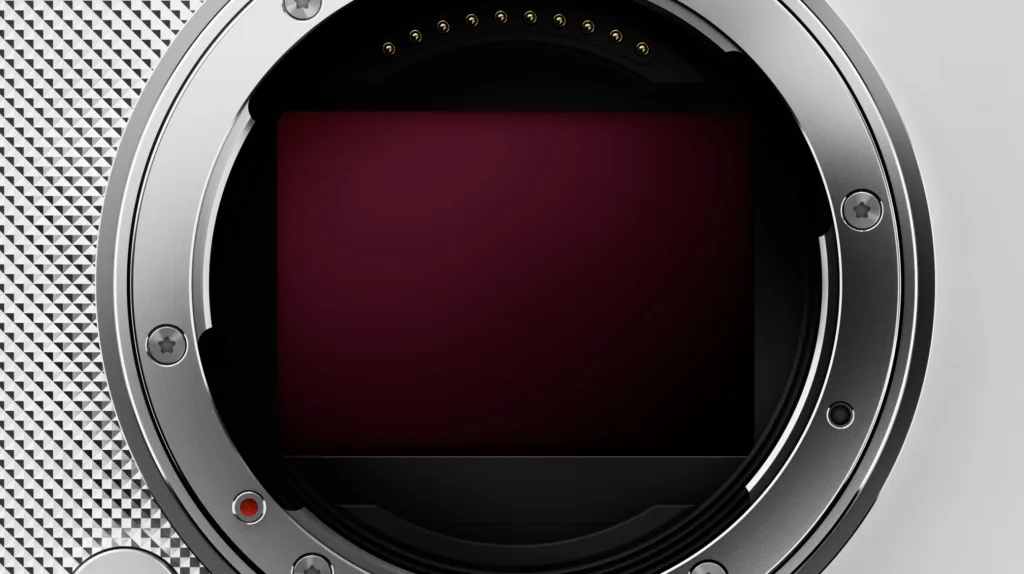
| Sensor / mount | 24.6 MP effective, 35.9 × 23.9 mm; L mount | Choose a compatible lens and evaluate the whole camera/lens size |
| Storage | Approximately 230 GB internal; USB storage for backup | No removable recording-card workflow; plan regular verified offloads |
| Still files | 14-bit losslessly compressed DNG and JPEG in the current manual | Do not repeat an older uncompressed-only claim |
| Shutter | Electronic shutter | Test moving subjects and artificial-light banding; not a universal action or flash solution |
| Stabilization | Electronic stabilization for video only | Do not describe it as in-body still-photo stabilization |
| Video | 6K up to 29.97p; 4K up to 29.97p; FHD up to 119.88p in listed modes | 6K cannot be combined with EIS; maximum mode is not a long-duration test |
| Primary interface | USB-C, USB 10 Gbps with supported storage/video/audio/power functions | Check the exact cable, computer and operating mode; USB-C shape alone is insufficient |
Sources: Sigma BF product specifications and the current English manual. Sigma’s firmware page lists version 1.04 dated February 19, 2026. Check firmware and application compatibility before a paid assignment.
Internal storage: copy before you clear
The camera’s internal capacity is convenient until the offload path is unavailable. It is not redundant storage: losing or damaging the camera can also affect the only copy of the photographs. Plan a verified backup before a long trip or important session.
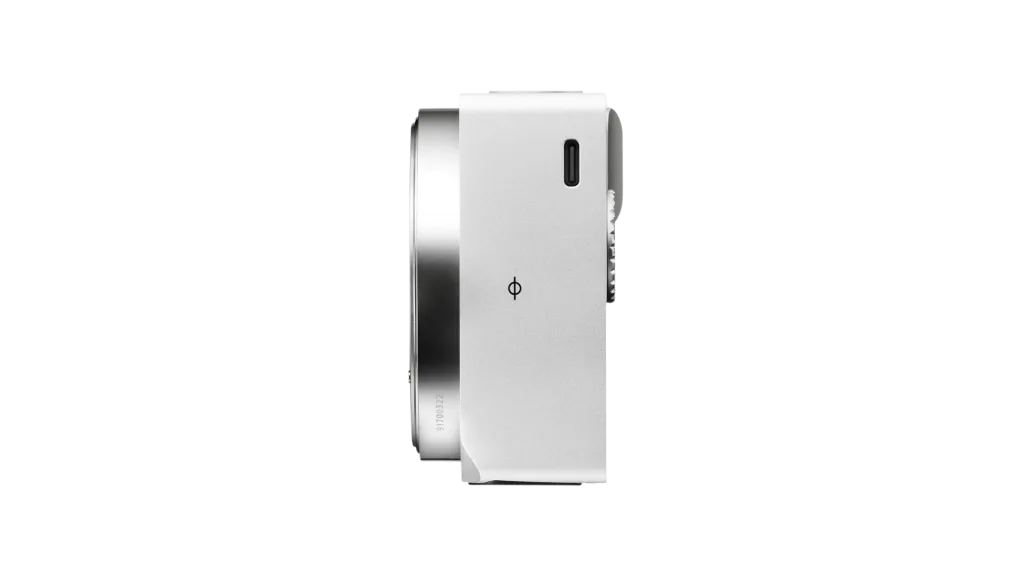
- Connect a compatible USB storage device using the manual’s procedure, or use the computer mass-storage route.
- For direct storage transfer, open the USB Storage screen and select the files or dates.
- Choose Transfer to copy while keeping the internal originals. Transfer and Delete is a separate, destructive option; do not choose it before verifying backups.
- Open a representative set of copied files and check the file count and expected sizes. Make another copy where the importance of the work warrants it.
- Only clear internal storage after the copies have been verified and retained. Keep the cable, power and computer workflow available during travel.
This follows the manual’s USB-storage transfer section. USB backup copies files after recording; it is not a way to record video directly to an external drive.
Controls and viewing
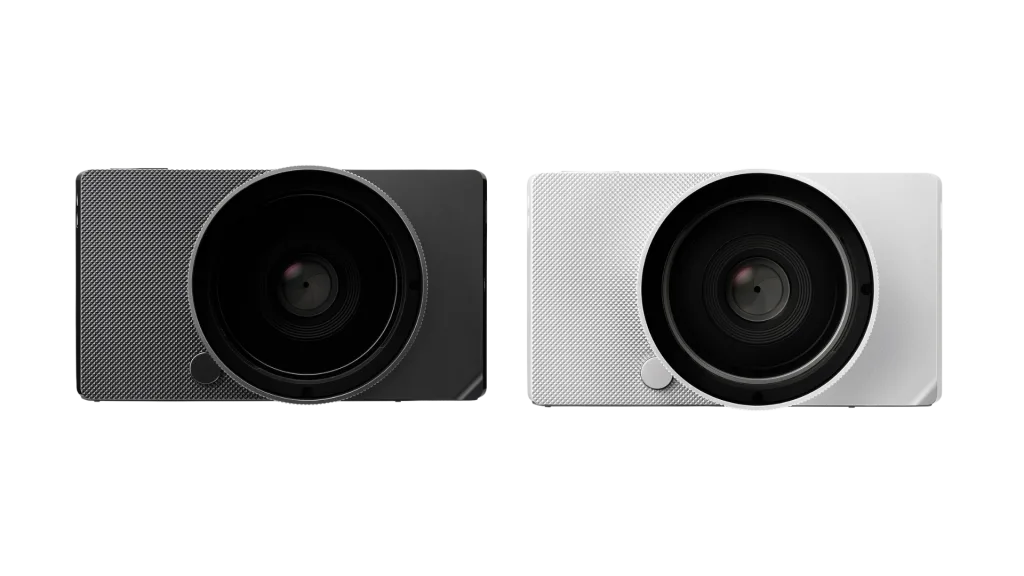
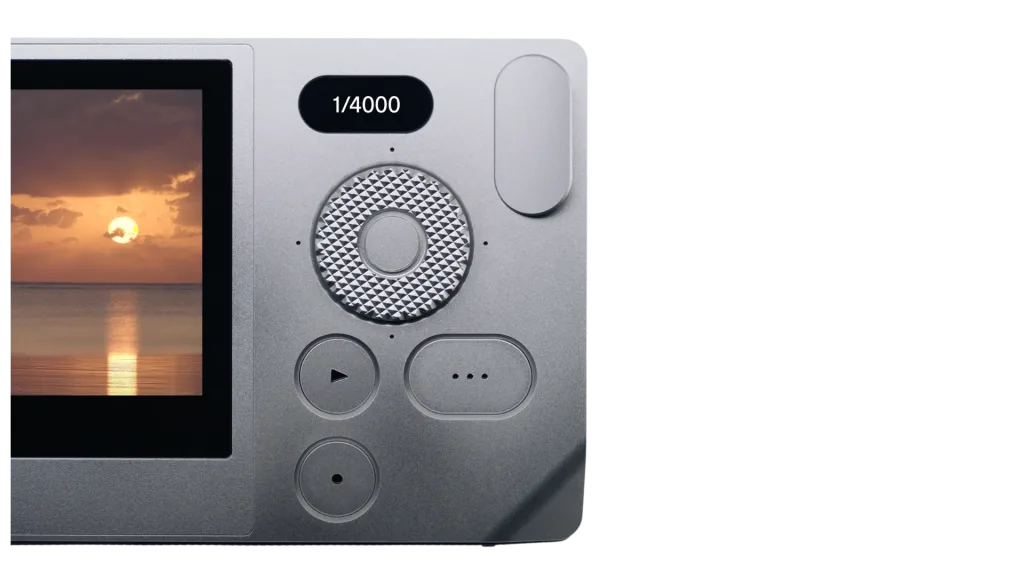
The BF’s design favors direct access to exposure variables through its controls and screen. It does not offer the same conventional dial-and-finder experience as every L-mount body. Try changing shutter, aperture, ISO and focus while making real photographs before deciding that a smaller control count is faster for you.
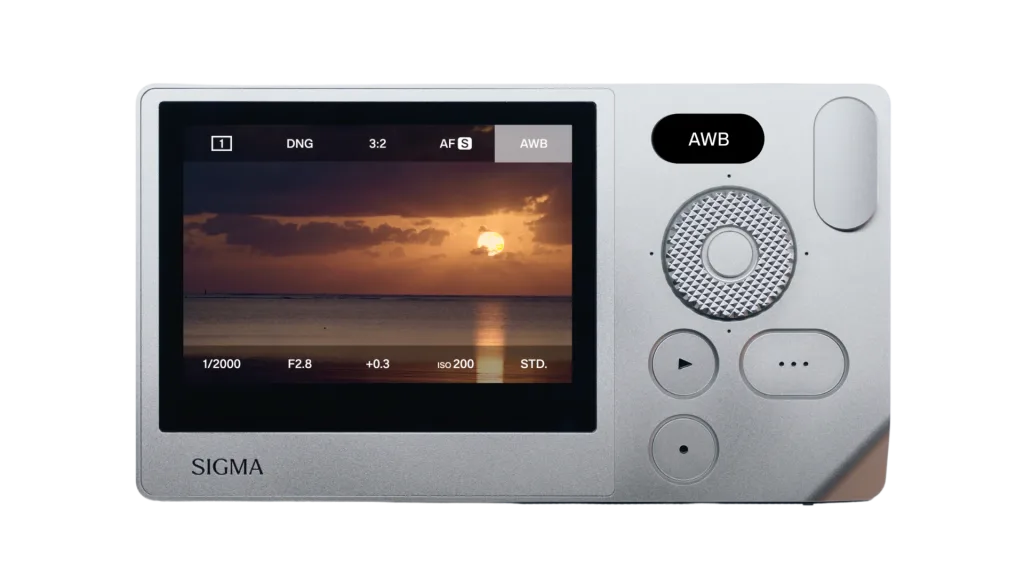
The body has no built-in viewfinder or conventional hot shoe. It is not a straightforward substitute for a finder-based camera or a conventional synchronized-flash setup. Its USB interface should not be mistaken for a dedicated HDMI connector. Confirm any proposed accessory with Sigma rather than assuming an fp-series accessory fits.
Electronic shutter and motion
An electronic shutter can be quiet, but moving subjects or camera movement can interact with sensor readout, and some artificial lights can produce bands. A high maximum shutter-speed number does not prove freedom from those artifacts. Test the intended lights and motion before choosing the BF for sports, events or a studio arrangement that depends on flash.
How the BF replaces a conventional exposure-mode dial
The absence of a PASM dial does not remove the familiar exposure choices. Sigma’s specification explains that program, aperture priority, shutter priority and manual operation are produced by setting the exposure variables to automatic or manual.
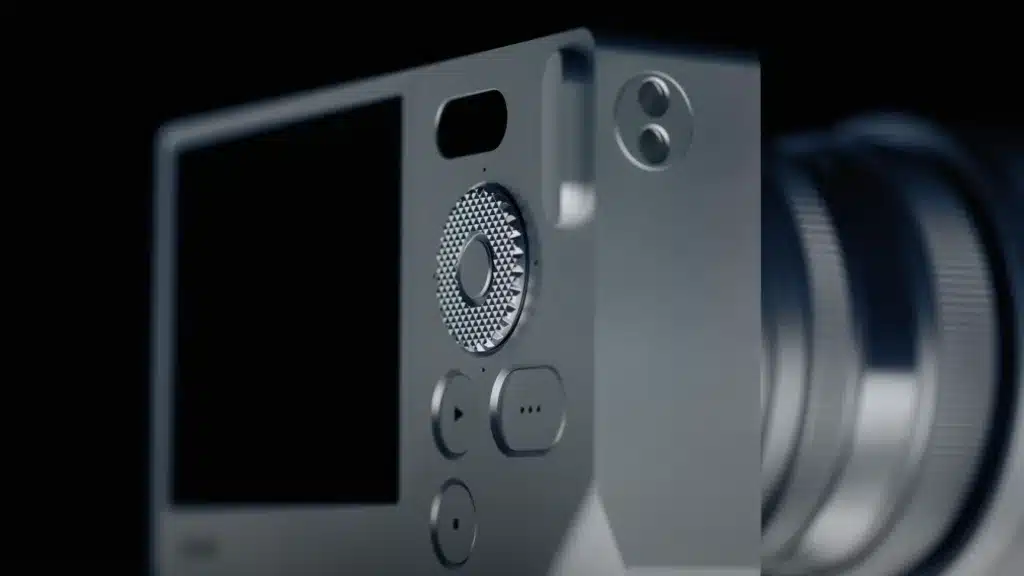
- Aperture priority: choose the aperture, leave shutter speed automatic and decide whether ISO should also be automatic. Watch the shutter value as the light falls.
- Shutter priority: choose the shutter duration for the movement you want to capture and let aperture vary within the lens’s limits.
- Manual exposure: set aperture, shutter and ISO yourself when you want a consistent sequence under consistent light.
Try this during a demonstration: photograph a static object, then someone walking past it, changing only the control needed for the second picture. Repeat without looking away from the screen for long. That exercise will tell you more about your fit with the interface than counting its buttons.
Build the BF kit around how you carry and view it
A compact prime keeps the camera/lens package different from a large zoom attached to the same body. Bring the lens you actually intend to use when evaluating grip and balance. Support it with both hands, check access to the controls and try a vertical composition. A visually small body does not establish comfortable one-handed operation with every lens.
The fixed rear screen also changes low and high camera positions. Before buying, try composing near ground level and above a table, then view it outdoors in bright light. If those are frequent situations and you cannot see the composition comfortably, a tilting screen or finder on another body may matter more than a simplified menu.
Choose a dependable stills and travel workflow
For a first trip, choose RAW plus JPEG if you want both immediate color-mode files and an editable original. Sigma documents DNG recording and in-camera DNG development. Keep the original files even when you like the first JPEG rendering; making another color interpretation should not require recreating the scene.
Pack a tested cable and charging arrangement, then rehearse a complete transfer before travelling. The BF manual is the authority for USB device support and transfer operations. If a computer does not show the camera, check the selected USB function, cable data capability and connection before concluding that photographs have disappeared. Avoid formatting or deleting files as a troubleshooting step.
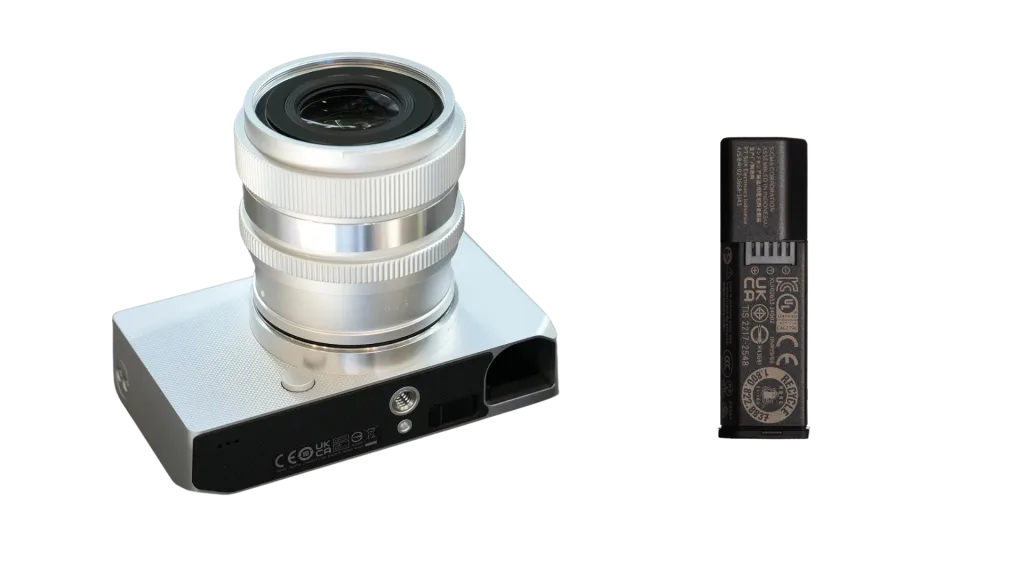
For an event that cannot be repeated, decide whether the internal-only recording arrangement meets the job’s backup requirement before accepting the assignment. Frequent offloads reduce the amount of work held in one place, but they do not create simultaneous duplicate recording. For personal walks, the same design may be convenient if you are comfortable making a verified backup after each outing.
Who should investigate it?
It may suit a photographer who likes a screen-led, deliberate process and already wants L-mount lenses. It is less directly aligned with a requirement for removable dual-card redundancy, an eye-level finder or a conventional flash workflow. Those are specific requirements, not a judgment that every photographer should use more controls.
Compare the compact cameras with viewfinders if the finder is the priority, or the lens-mount guide if you are choosing a system. Budget body, lens, backup storage, power and a dependable cable; a body-only price is not the complete setup.
What a useful hands-on review still needs
Record a real import and backup cycle, time the tasks, retain sample files and identify firmware. Make images under daylight and difficult artificial light, test focus on the subjects you shoot, and inspect them at the intended output size. Until that evidence exists, the defensible conclusion is about documented design and workflow, not proven image quality or operational speed.